Watch it happen
Nothing here is a mock-up. These are screen recordings of SubAssembly AI on a demo plant, with frames pulled from them as stills.
1. A sentence becomes an OEE app
The description is one sentence: an OEE tracker for a stamping plant with downtime reasons by shift. The AI plans the app against the plant model — the real lines, machines, shifts and reason codes — generates it, runs its own QA, and opens it. What you see at the end is a working app with live monitoring, hourly plan-vs-actual, a downtime Pareto and the OEE math, computed by the plant's own metric definitions.
2. An Excel workbook becomes an app
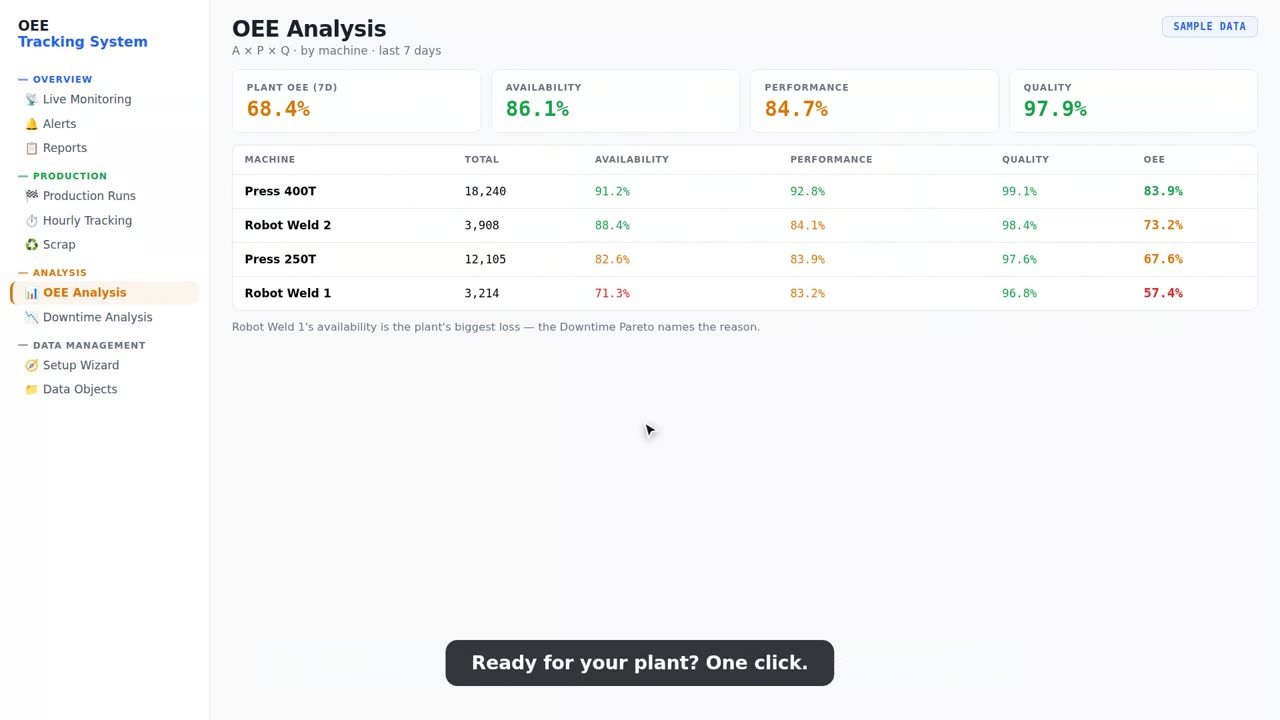
The workbook is the kind every plant has — a tab per concern, formulas nobody dares touch. The AI reads every row, keeps the numbers intact, maps the columns to the plant model (machines by name, parts by number) and builds entry forms, status boards and alerts around the same data. The OEE analysis below is a frame from the recording: machine-level availability, performance, quality and OEE, with the plant's biggest loss called out.
3. A change request rebuilds a live app
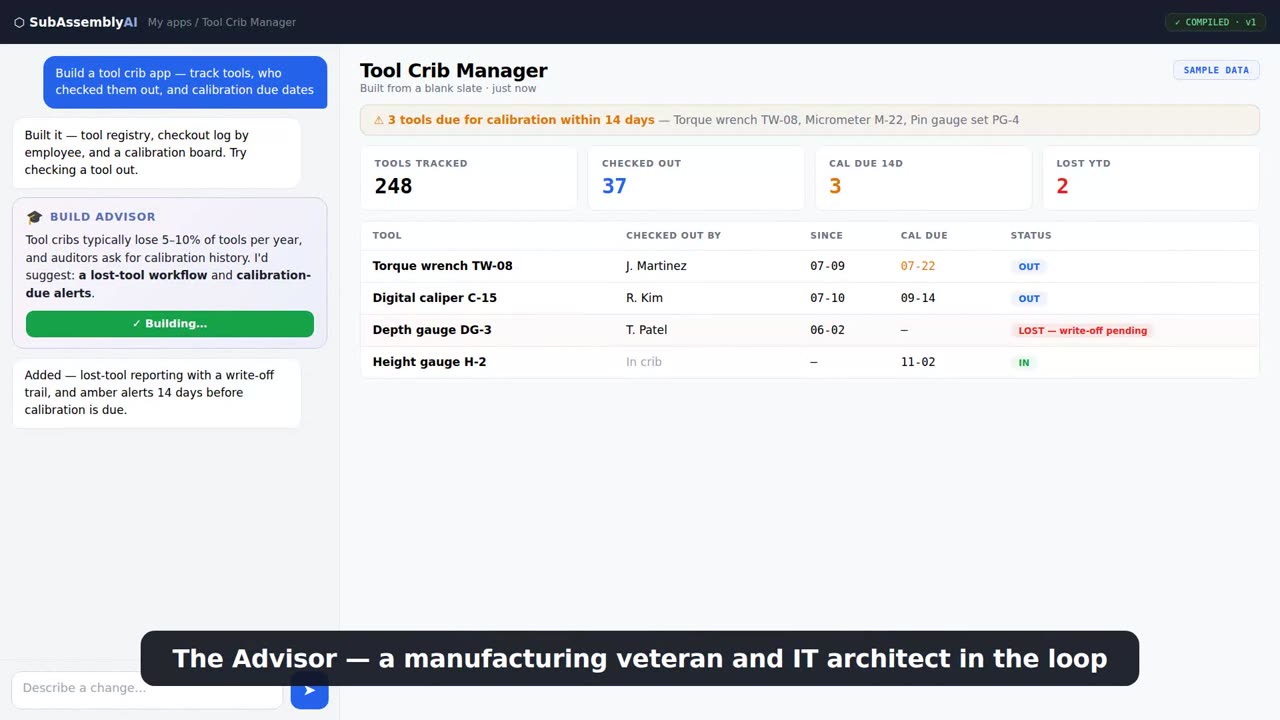
Every app opens in a builder with a chat box. The change here is described in plain English; the AI edits the app, re-runs QA, and the new version is live at the same link. Cost is shown before the change runs.
4. The same plant, on the phone
The plant model that the apps run on also answers a phone call. A production manager dials one number and asks what's down on line 2, the top downtime reasons this week, or whether line 4 can run a part at 2.4 mm; the answer comes from the same data, and names who recorded a rule when it quotes one. Every call is transcribed and every lookup logged.
There is no recording of a call on this page yet; the hotline is new. The call log in the product shows the transcript and what was fetched for every call.
Questions
Are the recordings sped up?
No. Build times vary with the size of the app; most first builds take one to three minutes.
Can I try the same thing?
Yes. The starter kits open on the demo plant without a signup; building your own app needs a free account.
What data do the recordings use?
The demo plant that ships with every account: realistic but invented lines, machines, parts and history.